Focus
Cheapest Gas by City
Compare local stations in LA County cities before you head out.
Favorite stations you like and keep gas prices nearby. Create an account and save as many stations as you want.
Search stations by address, zip code, brand, or name and track the ones you care about most.
Get notified when gas prices change at your preferred stations around Los Angeles.

With tankUpLA you can search and favorite gas stations with lower prices in Los Angeles California or get updates and notifications when your favorite station changes gas prices. No more guessing the price of your gas station, simply open tankUpLA and see prices updated and head on to tankup your automobile.
tankUpLA helps you find the cheapest gas and diesel prices by city across Los Angeles County with practical, real updates you can use before you drive. Whether you are checking stations in Los Angeles, Long Beach, Glendale, Pasadena, Santa Monica, Torrance, Inglewood, Burbank, El Monte, or Pomona, the goal is simple: spend less and plan smarter. You can browse city pages, inspect station details, and search by city, address, or brand from one place. Instead of guessing, you get a clearer view of local options and can decide where to fuel up based on your actual route.
This is especially useful for rideshare drivers, truckers looking for better diesel stops, work commuters, and college or university commuters who drive daily and feel every price change. The home page below works as a quick roadmap: jump into city fuel data first, compare nearby stations, then use details pages to check the best option for your next stop. The structure is designed to feel natural for first-time visitors while still giving regular users a faster way to track prices in the cities they drive through most.
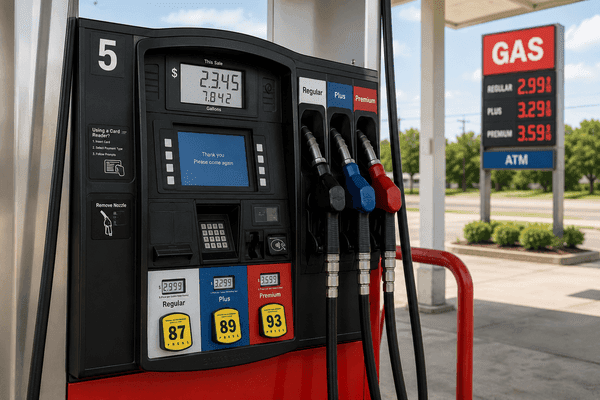
Focus
Cheapest Gas by City
Compare local stations in LA County cities before you head out.
Flow
Real Update Rhythm
Track changing prices throughout the week with city-first browsing.
Detail
Diesel and Gas Details
Check station-level values for truck routes and daily driving.
Trust
Built for Daily Commuters
Useful for rideshare, work, and college or university commuters.
Use these links to jump into the most useful fuel sections on the site:
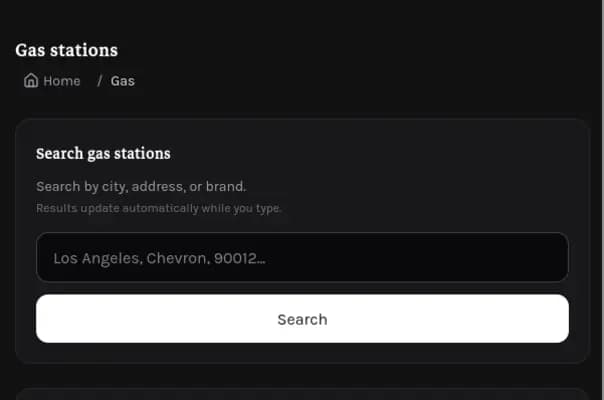
Search, browse cities, and open station details.
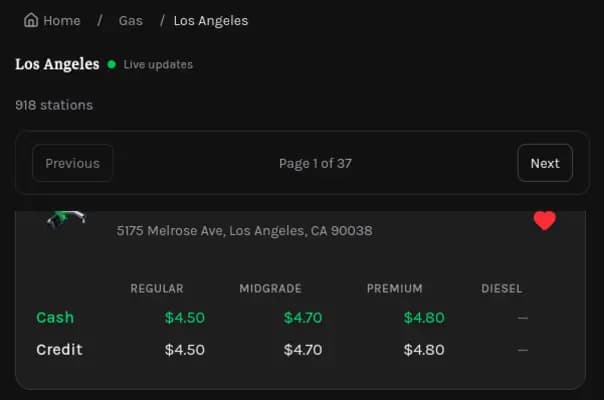
Start with LA city coverage and compare nearby stations quickly.
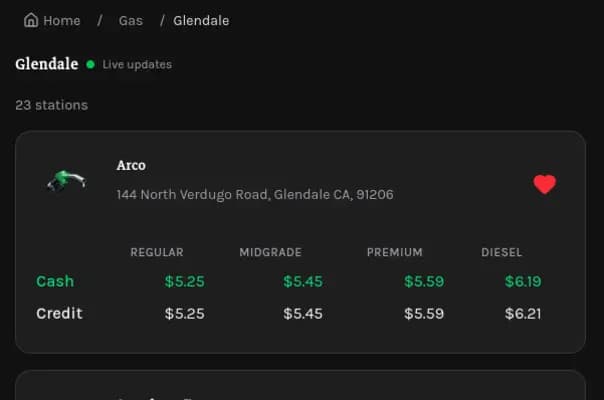
Check city-specific options for work and school commutes.

Take tankUpLA with you while commuting across the city.
These pages cover what most drivers ask first: where to find the lowest gas and diesel prices by city, how to compare options quickly, and where to check fuel routes by city. Keeping these links visible on the home page makes it easier for first-time visitors and regular commuters to plan fuel stops naturally.
Gas prices are upsetting everyone right now, and it’s become one of those daily frustrations you feel before you even pull into the station. Every week the numbers creep higher, and drivers across LA are feeling squeezed by something as basic as getting around. It’s not just the cost — it’s the sense that you’re paying more for the same routine, with no real way to avoid it. That shared irritation is why people keep talking about it, searching about it, and looking for any way to soften the hit.
That’s where tankUpla comes in. Instead of guessing which station might be cheaper or driving across town hoping for a better price, tankUpla helps people quickly find the lowest gas prices nearby so they can save money without wasting time. When everyone’s feeling the pressure, having a tool that actually makes a difference turns frustration into a little relief — and right now, that’s something drivers genuinely appreciate.


Drivers usually save the most by checking city pages before they leave. If your route shifts between Los Angeles, Long Beach, Glendale, Pasadena, Torrance, Inglewood, and nearby areas, city browsing gives you a fast local view instead of a random statewide list. It is a practical way to spot cheaper gas and diesel options in the exact places where you drive most.
Use the city links to keep planning simple: compare stations, open details, and pick the best stop for the day. This workflow works well for rideshare schedules, trucking deliveries, work commuting, and students moving between home, campus, and part-time jobs.
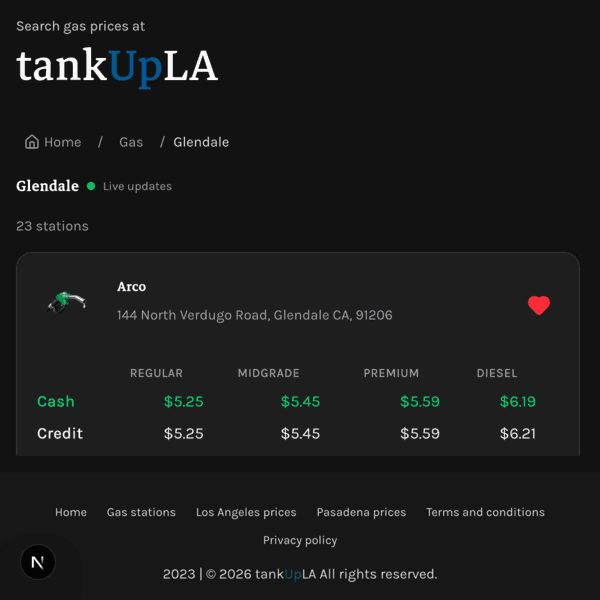
Step 1: Open the gas browser for your main city and compare familiar stations before your week starts.
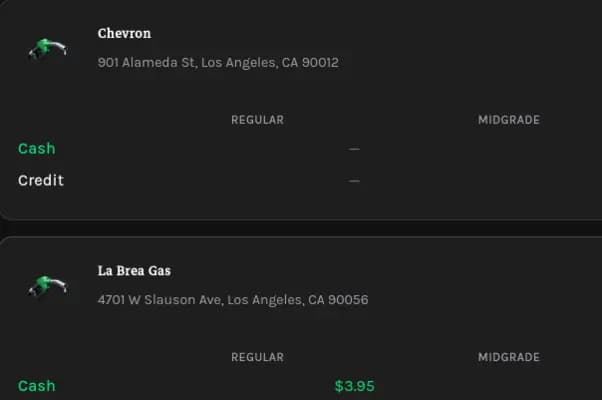
Step 2: Use quick search when your route changes, then move across pages only after checking strong local options.
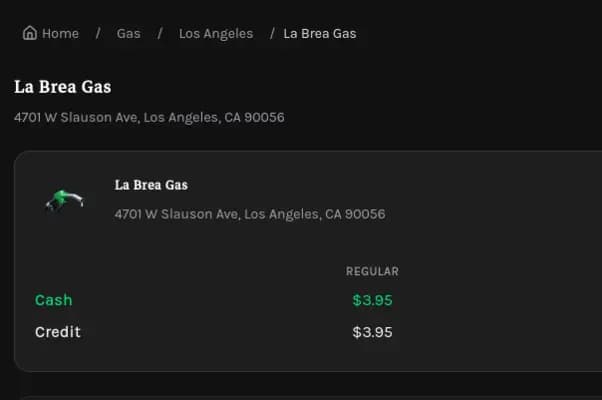
Step 3: Verify station details before driving, then save your best options for the next route.